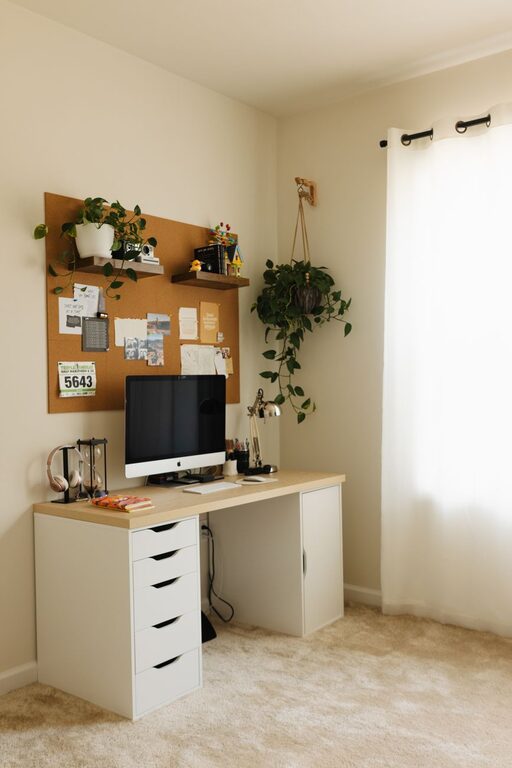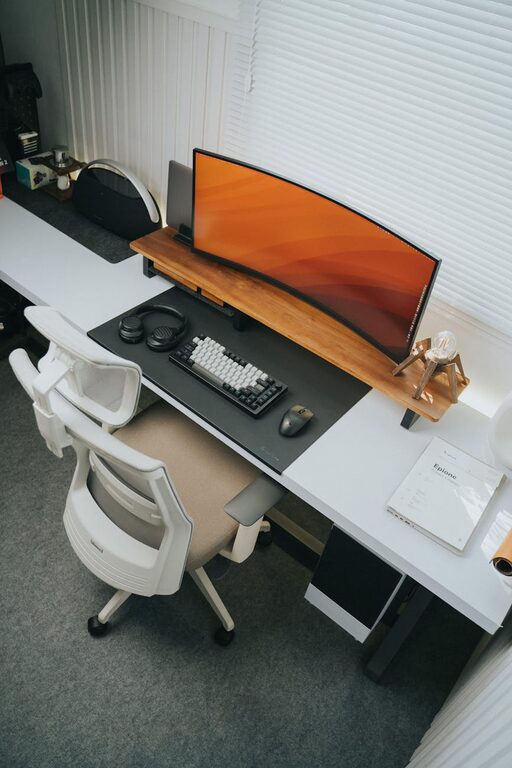
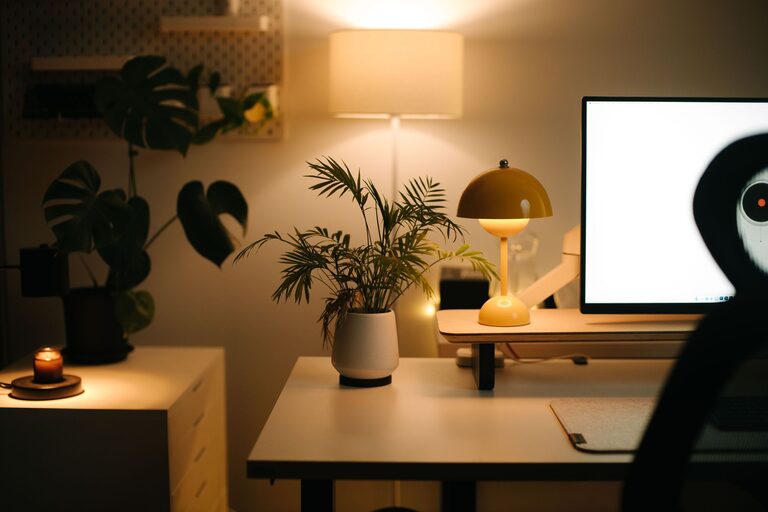
Creating a cozy and productive home office environment is essential for anyone working remotely or spending significant time at home focusing on tasks. A well-designed space can enhance your efficiency, reduce stress, and make working from home feel more enjoyable. Here are some helpful tips to design a home office that balances comfort with productivity.
Choose the Right Location
Selecting the best spot in your home for your office is the first step. Ideally, pick a quiet area with minimal distractions. Natural light is a major plus, as it can improve mood and reduce eye strain.
– Near a window: Position your desk close to a window to enjoy daylight.
– Away from high-traffic zones: Avoid places where family members often pass through.
– Separate from relaxation areas: Keep workspaces distinct from areas where you rest to better separate work and personal time.
Invest in Ergonomic Furniture
Comfortable furniture helps prevent physical discomfort and keeps you focused for longer periods.
– Adjustable chair: Choose an ergonomic chair with good lumbar support.
– Proper desk height: Your desk should allow your forearms to rest comfortably parallel to the floor.
– Consider a sit-stand option: Alternating between sitting and standing can boost health and alertness.
Organize Your Workspace Efficiently
A clutter-free desk fosters a clear mind and improves work precision.
– Use organizers: Pencil holders, trays, and shelves help keep essentials within reach.
– Limit desktop items: Keep only items you use daily on your desk.
– Cable management: Use clips or sleeves to tidy up wires and reduce mess.
Optimize Lighting
Good lighting reduces eye strain and enhances focus.
– Balance natural and artificial light: Combine daylight with adjustable desk lamps.
– Avoid glare: Position screens to prevent reflections on your monitor.
– Use warm or neutral bulbs: These create a comfortable ambiance without being harsh.
Personalize Your Space
Adding personal touches can make the environment more inviting and inspiring.
– Plants: Small indoor plants improve air quality and add a natural vibe.
– Artwork or photos: Choose pieces that motivate or relax you.
– Comfort items: A cozy blanket, cushions, or a favorite mug can boost well-being.
Manage Noise and Distractions
Minimizing noise allows better concentration, especially in busy households.
– Noise-cancelling headphones: Great for blocking out background sounds.
– White noise or soft music: These can mask distractions without interrupting workflow.
– Set boundaries: Inform others about your working hours for fewer interruptions.
Maintain Good Air Quality
Fresh air improves cognitive functions and overall comfort.
– Ventilate regularly: Open windows where possible.
– Use air purifiers: If necessary, to reduce allergens and dust.
– Avoid strong scents: Some can be distracting or irritating.
Create a Routine and Stay Organized
A well-established routine helps maintain productivity and work-life balance.
– Designate specific working hours: Stick to these times as much as possible.
– Take regular breaks: Short pauses can prevent burnout.
– Use planners or digital tools: Track tasks and deadlines clearly.
Incorporate Technology Wisely
Technology can streamline work but should not overwhelm your space.
– High-quality equipment: Invest in a reliable computer, monitor, and peripherals.
– Wireless devices: Reduce cables and increase flexibility.
– Backup solutions: Keep your work safe with cloud storage or external drives.
—
Designing a cozy and productive home office is about combining comfort with efficiency. By considering location, furniture, lighting, organization, and personal touches, you can create a space that not only helps you get work done but also makes working from home a pleasant experience. Take time to adjust your setup as needed, and enjoy the benefits of a thoughtfully arranged home office.
About the Author